
Is Your iPhone Stuck In SOS Mode? Here's How To Fix It
TL;DR AI
2 min readKey summary
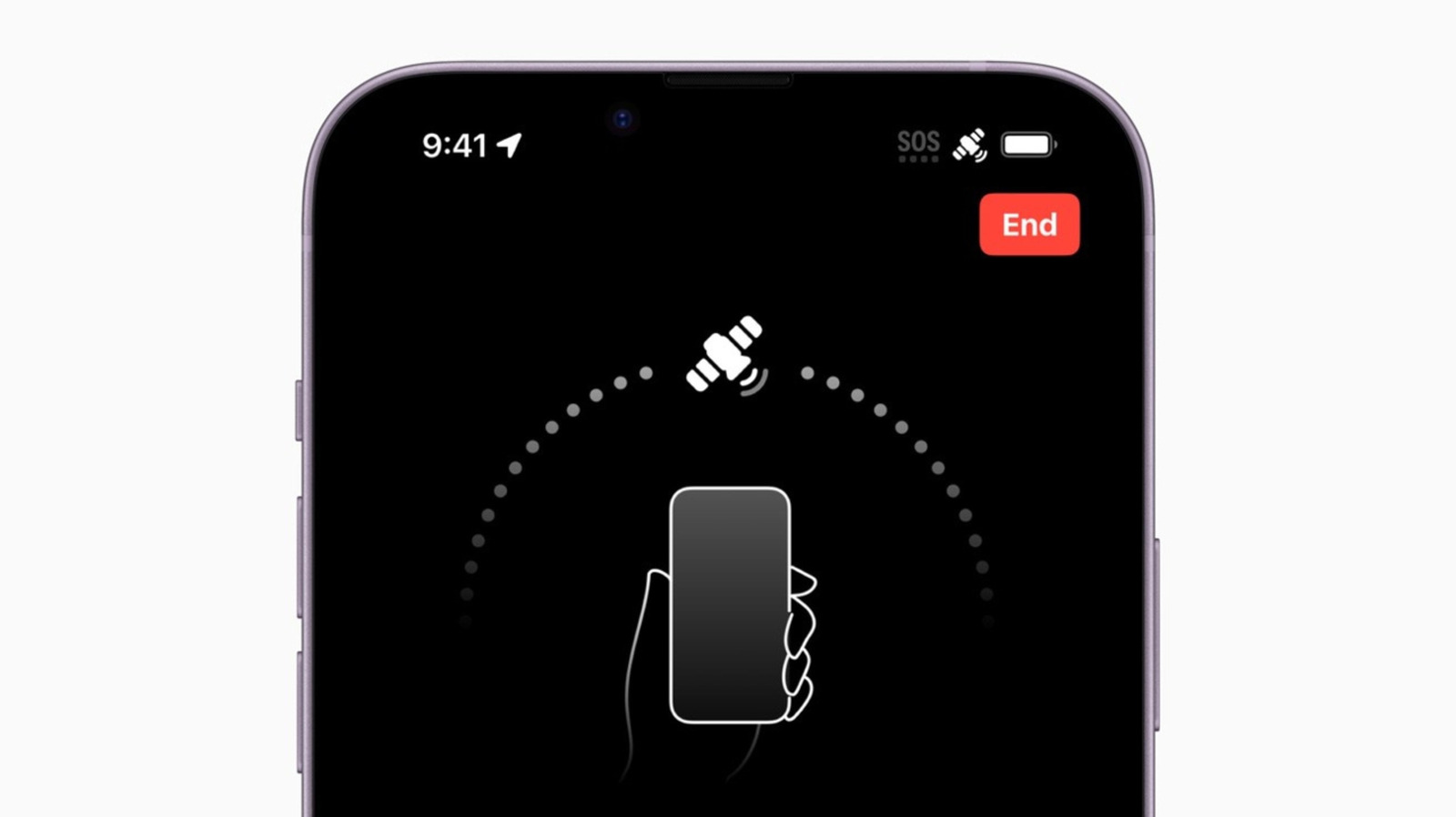
An iPhone stuck in SOS mode may still place emergency calls or use satellite-based emergency messaging.
Apple recommends basic fixes such as toggling Airplane Mode, restarting, and updating iOS.
Also check SIM or eSIM status and install any carrier settings updates to restore normal cellular service.
SOS mode can block regular calling and texting, but it remains an important safety feature.