
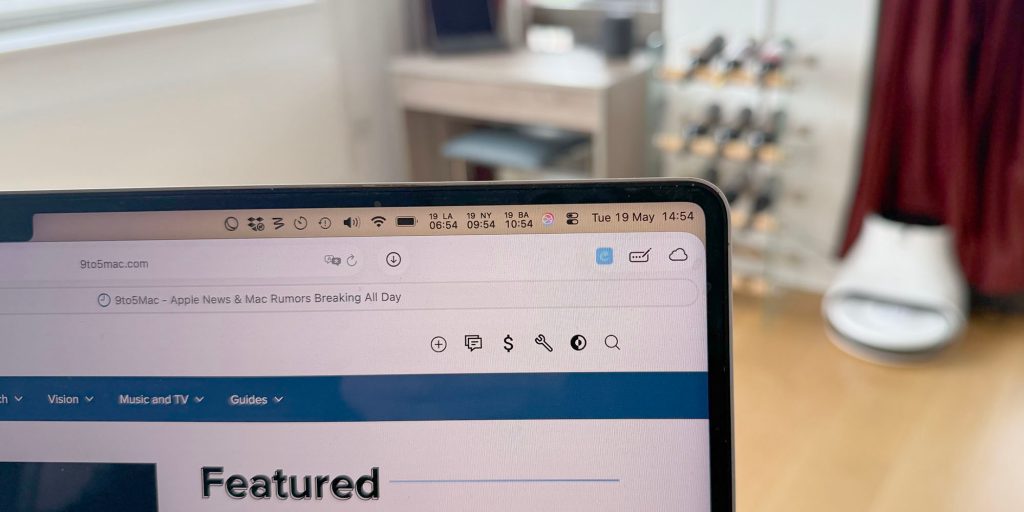
How to stop menu bar items being hidden behind the MacBook Pro notch
TL;DR AI
2 min readKey summary
A macOS workaround can reduce menu bar spacing to keep third-party status items from disappearing behind the MacBook Pro notch.
The fix uses two Terminal defaults settings: NSStatusItemSpacing and NSStatusItemSelectionPadding.
After changing the values, users must log out and back in for the new spacing to take effect.
It can help MacBook Pro owners who rely on menu bar icons that are otherwise obscured by the notch.