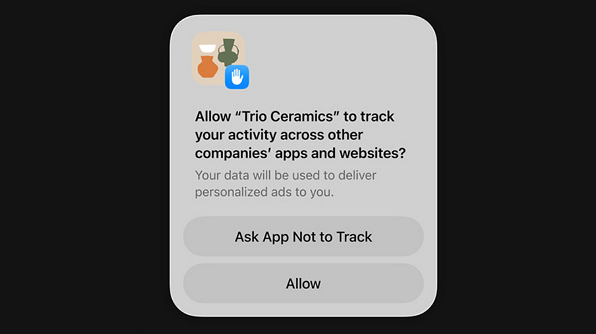
If iPhone app tracking pop-ups are annoying… how to block them automatically with one click
TL;DR AI
2 min readKey summary
A simple iPhone setting can automatically block app tracking permission pop-ups.
By turning off app-tracking requests in iOS ATT, new apps will be denied tracking prompts by default.
The method helps users avoid repeated consent dialogs and strengthens privacy control.
It reduces ad-tracking exposure across apps, including identifiers like IDFA.
Same topic