iOS 26.4 Lock Screen Tricks Apple Didn’t Tell You
TL;DR AI
2 min readKey summary
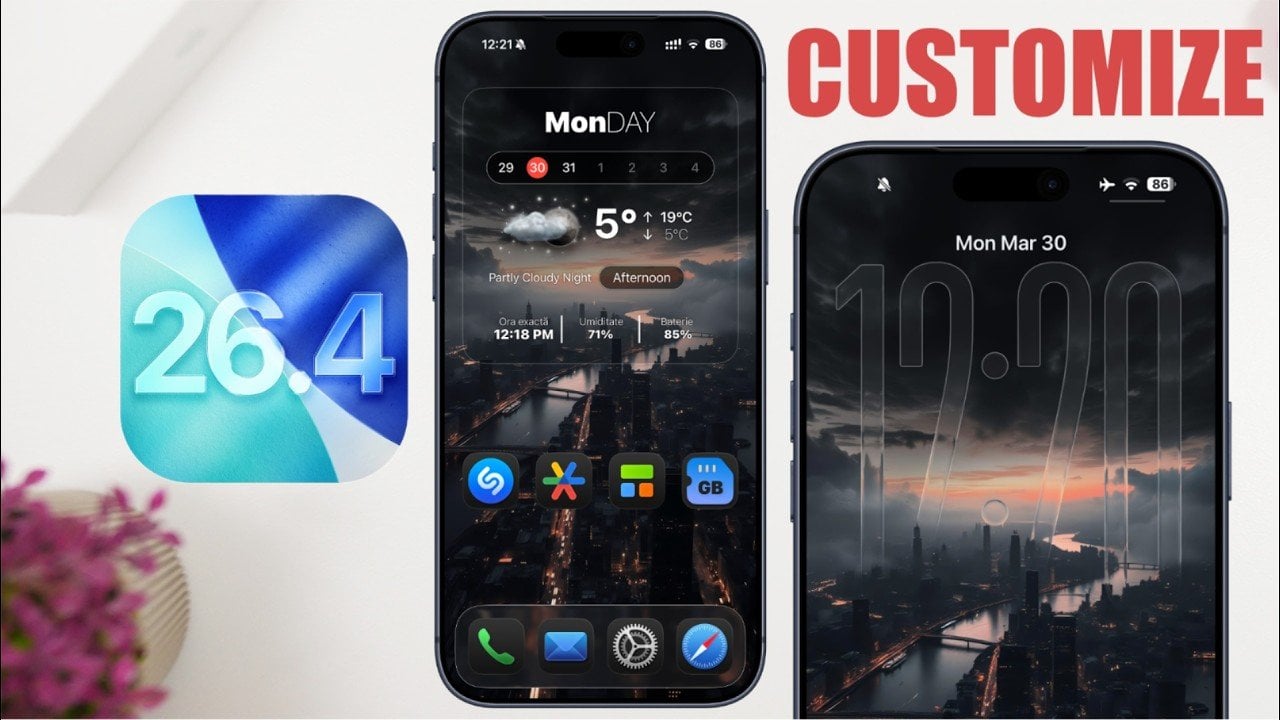
iOS 26.4 adds new customization tools for both the lock screen and home screen to change appearance and functionality.
On the lock screen you can hide unnecessary buttons for a minimalist look and apply a liquid glass effect that blends wallpaper with clock elements.
Lock screen widgets can show real-time info such as available storage and upcoming calendar events; Accessibility can enable borders to improve legibility.
Wallpapers can be aligned between lock and home screens for a cohesive visual theme, and transparent widgets can be created via third-party apps.
Home screen options include adjusting icon sizes and removing app labels for minimalist navigation, and display settings allow dark mode and finer brightness control.
Same topic