
How To Program Your Roku Remote To Voice Control Your Non-Roku TV
TL;DR AI
2 min readKey summary
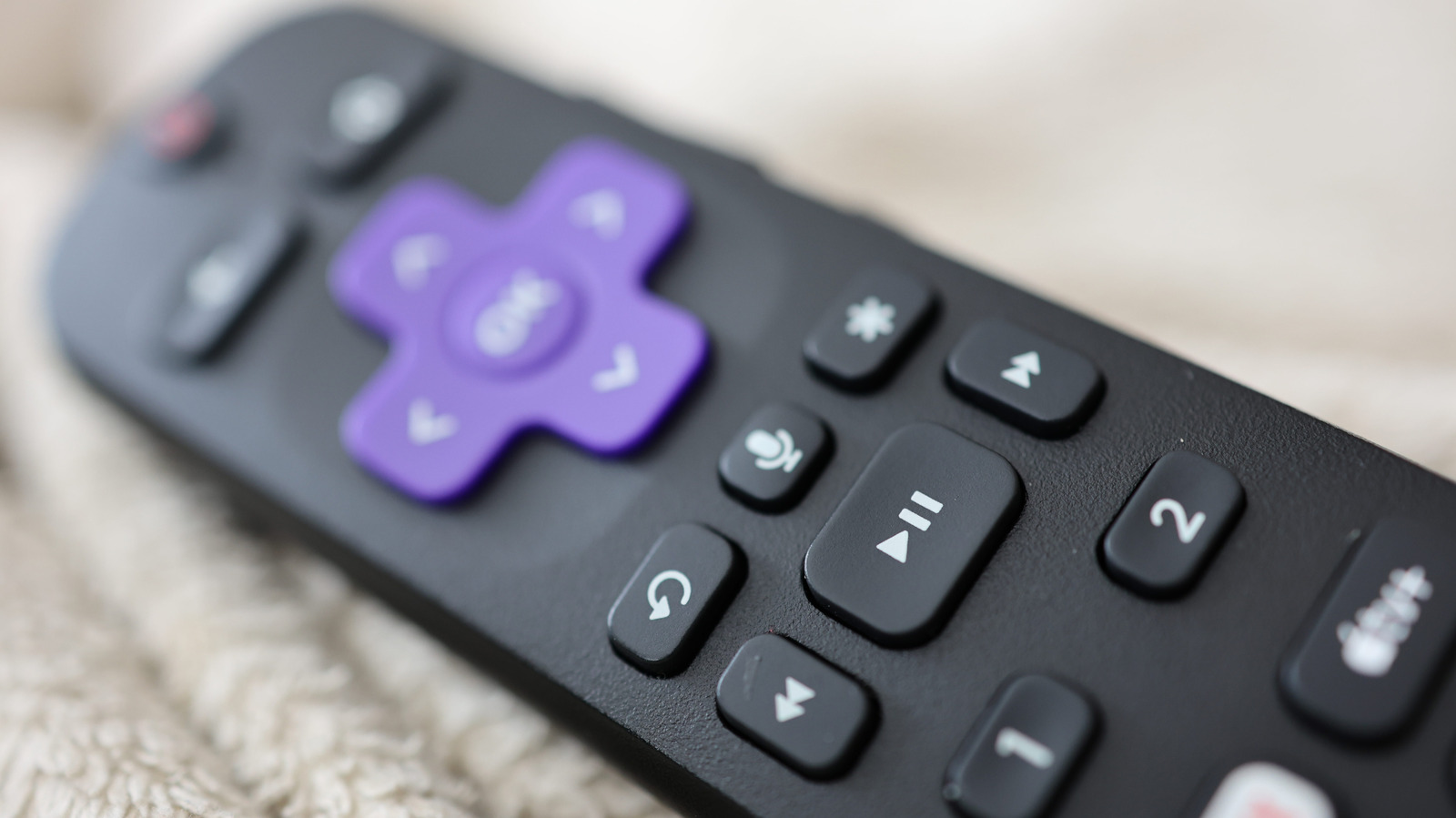
Roku users can set up a voice remote to control a non-Roku TV’s volume and power through HDMI-CEC.
The process uses the Roku settings menu to enable basic TV control on compatible televisions.
Supported brands and features may include systems like Samsung Anynet+ and Sony Bravia Sync.
The setup reduces remote clutter and makes streaming devices easier to use.