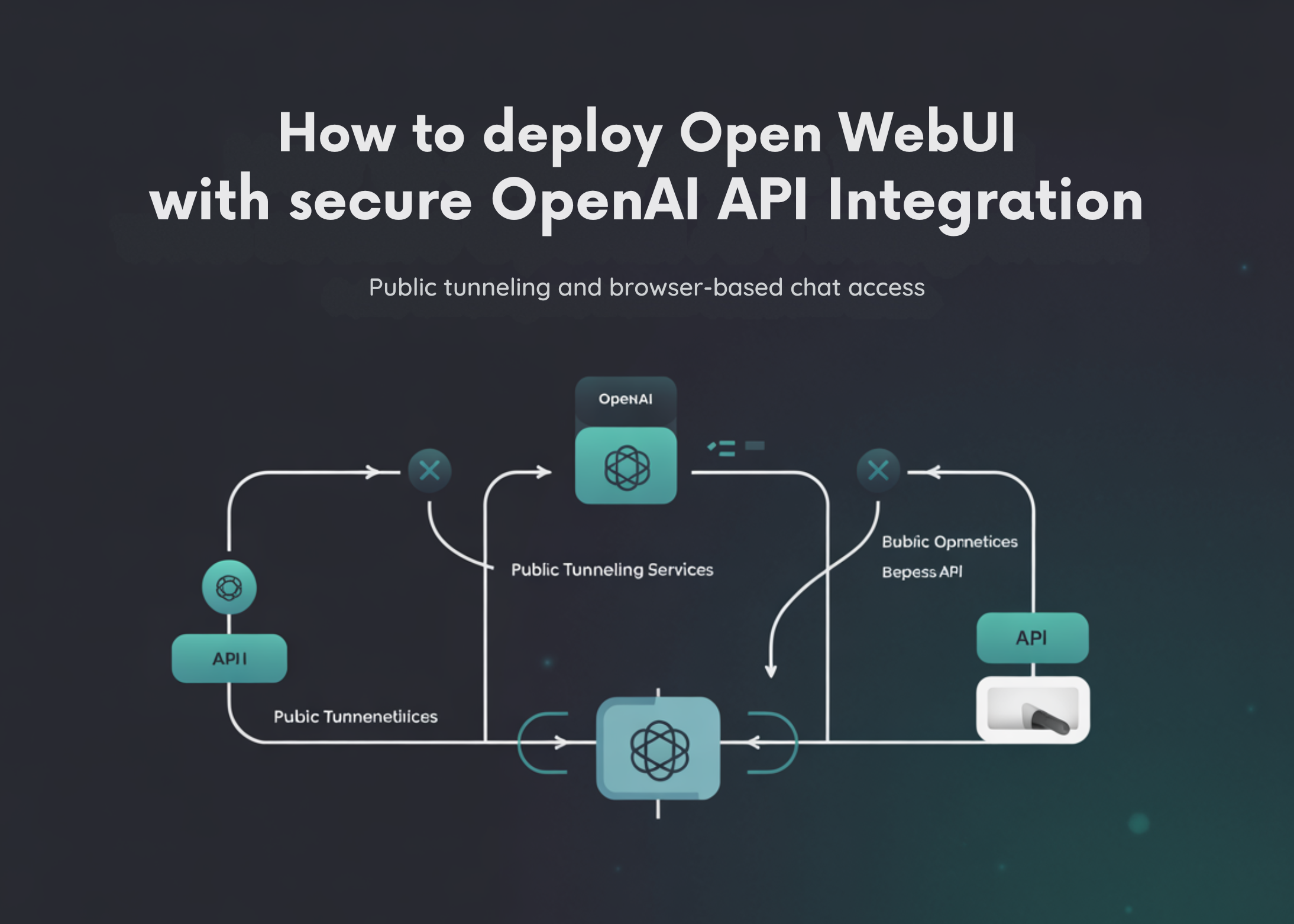
How to Deploy Open WebUI with Secure OpenAI API Integration, Public Tunneling, and Browser-Based Chat Access
TL;DR AI
2 min readKey summary
Installs Open WebUI and helper packages via pip (open-webui, requests, nest_asyncio).
Prompts for the OpenAI API key securely in Colab using getpass.
Sets a default model (user can enter one); the default is gpt-4o-mini.
Configures environment variables: ENABLE_OPENAI_API=True, OPENAI_API_KEY from input, OPENAI_API_BASE_URL=https://api.openai.com/v1, WEBUI_SECRET_KEY as a 32-byte hex token, WEBUI_NAME='Open WebUI on Colab', and DEFAULT_MODELS set to the chosen default.
Creates data directory at /content/open-webui-data and sets DATA_DIR to that path.
Same topic