iOS 26 tweaks iPhone Always On Display in a way you might not like
TL;DR AI
2 min readKey summary
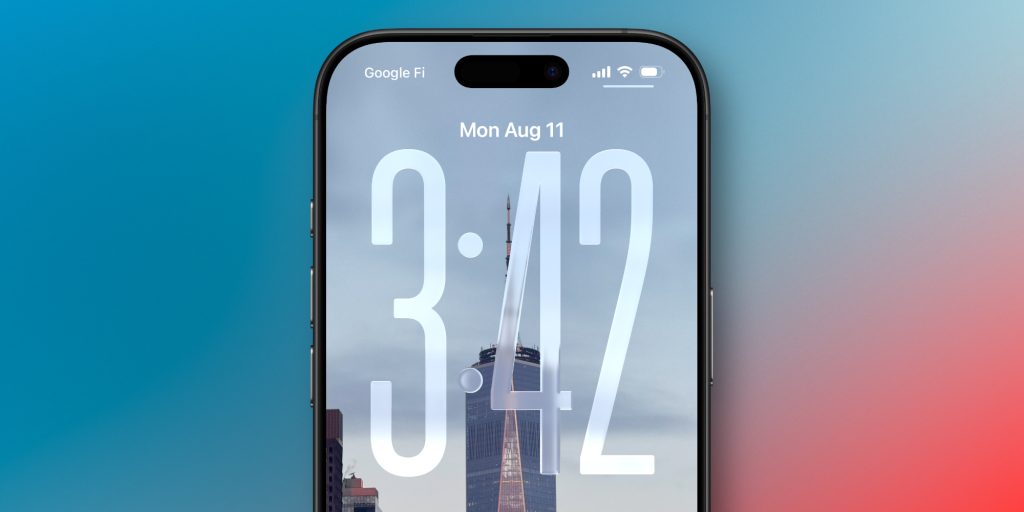
Apple changed Always On Display in iOS 26 so the Lock Screen wallpaper is blurred by default when the display dims.
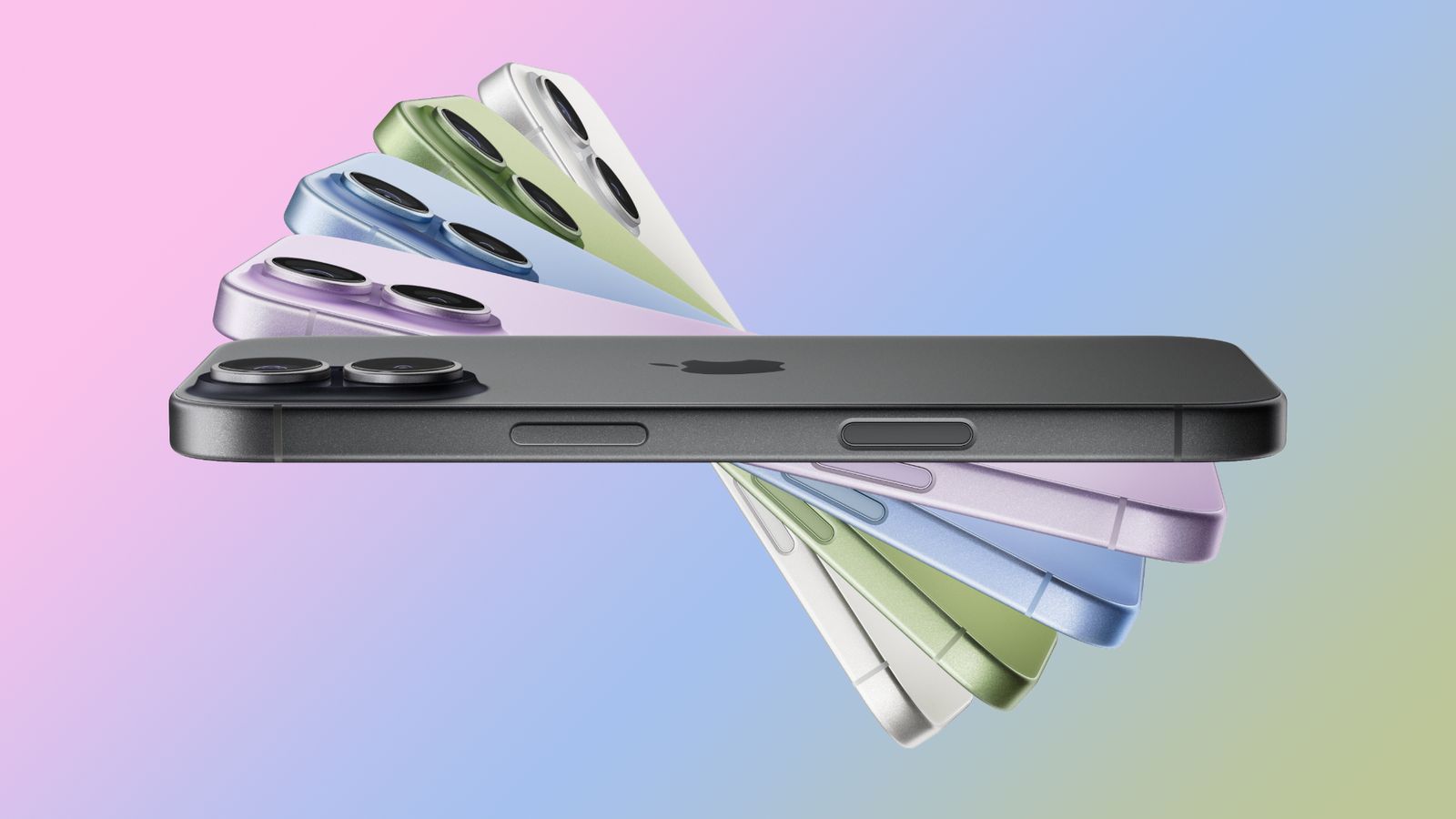
The update makes the clock and widgets easier to read on iPhone 14 Pro and other supported models.
Users who prefer the old look can turn off the blur in Settings > Display & Brightness.
The change affects both readability and wallpaper visibility, but it is fully reversible.
Same topic