Security Bite: Tired of app tracking pop-ups? Here’s how to auto-deny them
TL;DR AI
1 min readKey summary
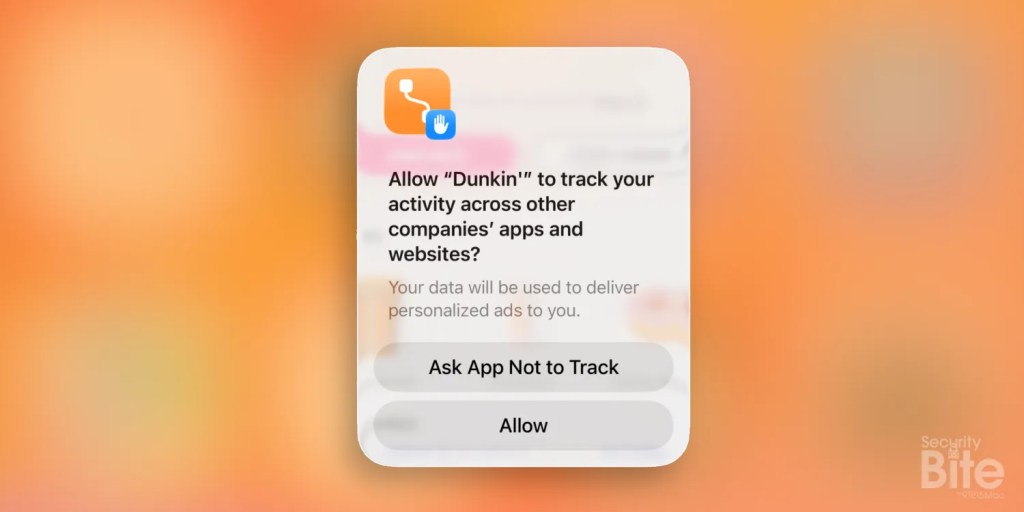
iPhone users can turn off app-tracking prompts in Settings > Privacy & Security > Tracking.
Disabling “Allow Apps to Request to Track” makes iOS automatically deny future tracking requests.
This reduces repeated pop-ups and strengthens privacy by limiting app access to tracking data like IDFA.
Same topic