Why Your Mac is Out of Space (and Where to Find the Hidden Clutter)
TL;DR AI
2 min readKey summary
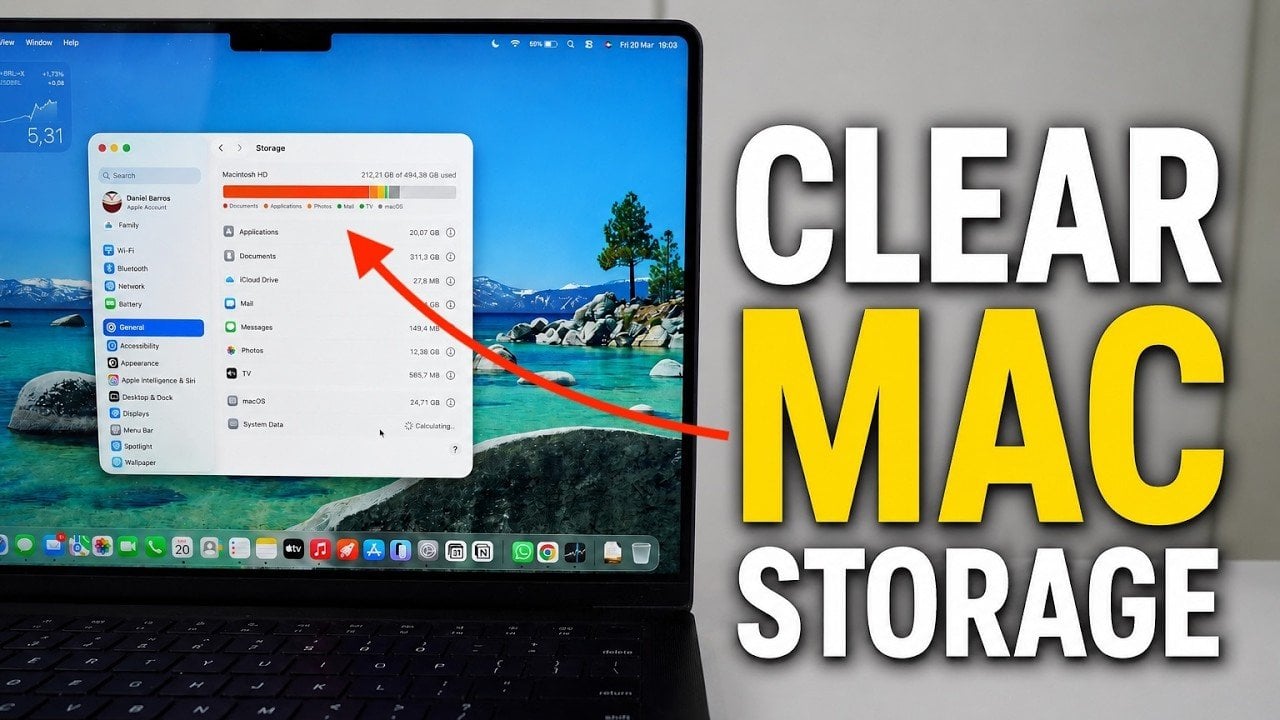
A Mac storage cleanup guide shows how to reclaim space with built-in macOS tools.
It recommends reviewing the storage breakdown, using storage suggestions, and removing unused apps, large files, and hidden clutter.
The guide also suggests tuning Siri and Spotlight settings, clearing Trash, and checking iCloud and System Data.
Freeing up storage can improve performance and help prevent running out of space for important files and apps.
Same topic